
Private and Secure Virtual Urgent Care From Anywhere in Florida
Connect with a U.S.-based physician for telehealth visits from home, work, or wherever you are. Only $59 per visit.
Experience Matters
Compassionate Care
Convenient and Affordable
Hours of Operation:
Mon: 10:00 AM - 7:00 PMTue: 10:00 AM - 7:00 PMWed: 9:00 AM - 5:00 PMThur: 9:00 AM - 4:00 PMFri: 9:00 AM - 5:00 PMSat: 9:00 AM - 1:00 PMSun: Closed
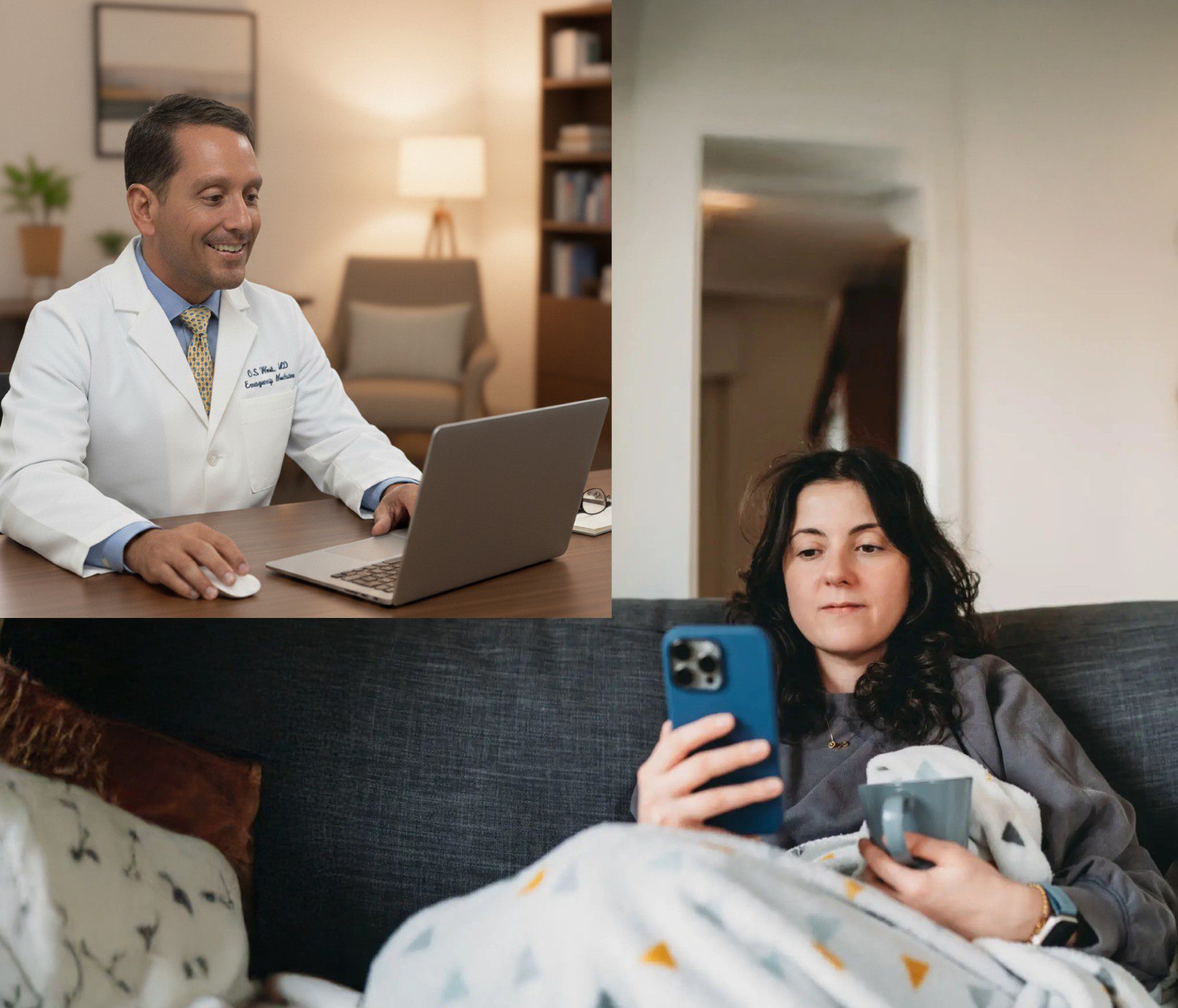

How Does 5 Star Urgent Care Work

1. Getting Started With Your Virtual Visit
When you're ready to begin your visit, click the "See Physician Now" button. After you have read the terms and agree, you can then proceed to "Enter Urgent Care Now". iphone and ipad users MUST USE SAFARI.
1. Simply click on "ENTER WAITING ROOM" or "SIGN UP" in top right corner menu.
2. Easily create an account by clicking on "SIGN UP NOW" and follow the prompts (enter email, then click on link in your email). Once your account is created you will be taken back to the landing page. Click ENTER WAITING ROOM.
3. If your minor child needs to be seen, create an account for YOURSELF first. Then later when entering "waiting room" click on the PLUS sign that says NEW FAMILY MEMBER.
Skip the expensive in-person urgent care and long waits. Don't hassle with driving or leaving your home when you don't feel well. Remember, you must be physically located in the state of Florida.

2. Providing Your Information
Upon entering, you must answer all intake questions. This ensures your medications (should you need any) are sent to the correct pharmacy and that you are not prescribed anything that you are allergic to or that may interact with your current prescriptions.
It is very important to enter the state you are physically LOCATED in at the time of the call, not the state of your home address. Also, please provide your current cell number.

3 .The Virtual Waiting Room
If you have any photos to upload (rashes, "white spots" in back of throat, etc.), please upload where indicated.
After completion of your intake questions, you will be placed in the virtual waiting room.
Patients will be seen in the order they arrive. You need to give permission for your audio and video to be used.

4. Connecting With a Doctor
When it is your turn, you will automatically connect with the doctor via a video visit.
Please ensure you are not operating a motor vehicle at the time of the visit and try to find a private and quiet place.
If you are an adult calling on behalf of your minor child, the child must be present. If you are a minor, you must have a parent or guardian present at the beginning of the visit to provide consent for treatment.

5. Finalizing Your Visit
You will not be charged until the conclusion of your visit. All prescriptions and work excuses will be sent immediately after the visit concludes. Prescriptions are sent electronically to the pharmacy of your choice. Work/school excuses are sent to your email.

Conditions We Treat
We can treat almost any condition you would normally seek help for at an in-person urgent care.
Testimonials
We have approximately, 9500 5-star reviews. See what they're saying!

“Thank you. You probably saved my life. Kidney stone blocked, sepsis, pneumonia in both lungs, both kidneys were failing. A stent had to be inserted and two weeks in the hospital.”
Dr. West has an excellent bedside manner and definitely makes you feel seen and heard. He addressed all of my concerns and at the end of the visit I felt very reassured and taken care of. I highly recommend Dr. West. Thank you so much for the excellent care.
Dr. West was amazing! Amazing bedside manner with our daughter and empathetic and understanding! Thank you Dr. West for the thoughtful visit! You are appreciated!
I’ve had Dr. West before, and he always is very personable and friendly. Has a smile on his face every time. Visits are always simple, fast, and effective. If he was located in my area, I would try to have him as my primary physician.
Best doctor I’ve ever seen. Very knowledgeable and kind.
Dr. West was Extremely Knowledgeable with my condition and more importantly Empathetic. He came up with an Immediate Solution and my prescription has been sent to my pharmacy already. I am grateful for Dr. West's Guidance and Expertise especially on a National Holiday. My Deepest Gratitude for Dr. West!
Such an awesome experience! We are on vacation and our daughter got sick. This service is a lifesaver for us. Thank you so much.
Such a lovely man! Personable and completely down to earth. Listened and gave great advice. Great medical visit. Thank you!!
Dr Casey was fantastic to deal with, great listener, I wish all Telehealth doctors are like him.
Dr. West was SUPERB! So friendly, warm and inviting! Made me feel so comfortable and relaxed! I LOVE this guy! I wish he was my regular doctor!! I wouldn’t be afraid to ever see an MD ever again! Thank you VERY much for your help, Dr. West!
Frequently Asked Questions
If you are experiencing a medical emergency, please call 911 right away. For typical urgent care symptoms, select "See Doctor Now".